DESKTOP SCREEN RECORDER
- Capture everything, not just your browser tabs
- Highlight keystrokes and mouse actions
- Draw on videos in real time
Free online screen recorder
- Webcam
- Microphone
- Sound
- Watermark
Supported browsers: Google Chrome, Mozilla Firefox, Microsoft Edge, Opera
RECORD VIDEO ONLINE FOR FREE
A free online screen recorder is perfect for saving anything shown on your display in just a couple of clicks. Use our no-install tool for recording screens as many times as you want – no download or payment needed!
70M+


users
countries
downloads
languages supported
See why millions choose our online screen capture
GAIN EVEN GREATER EFFICIENCIES WITH OUR DESKTOP SCREEN RECORDER
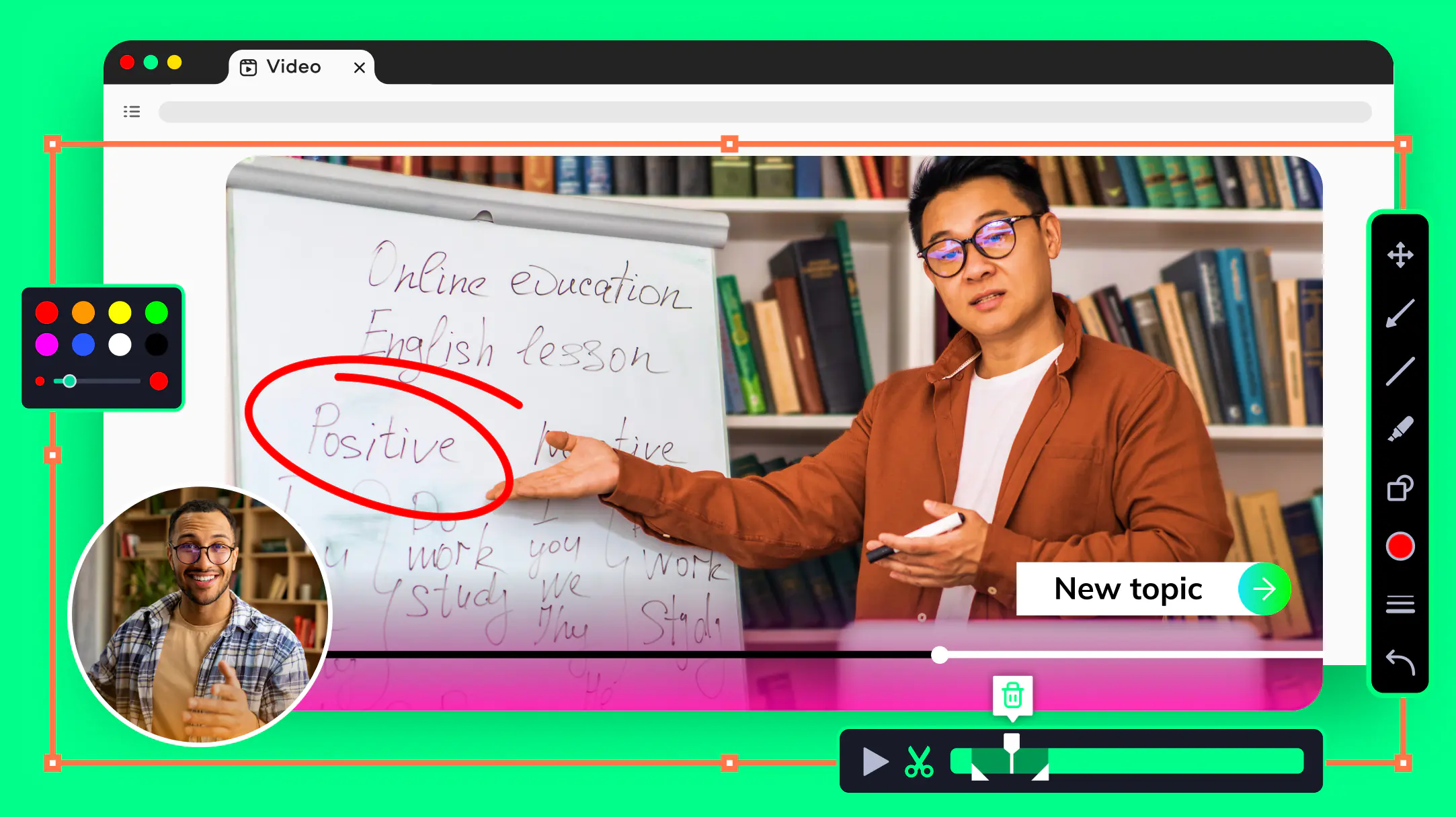
Your hassle-free screen capture tool for more efficient projects
Easily capture full-screen video or any custom area
Engage more by drawing on the video during capture
Display keystrokes and highlight the mouse cursor
Add a webcam overlay to show who the real hero is
Remove unwanted segments right after recording
How to use our online video recorder for free
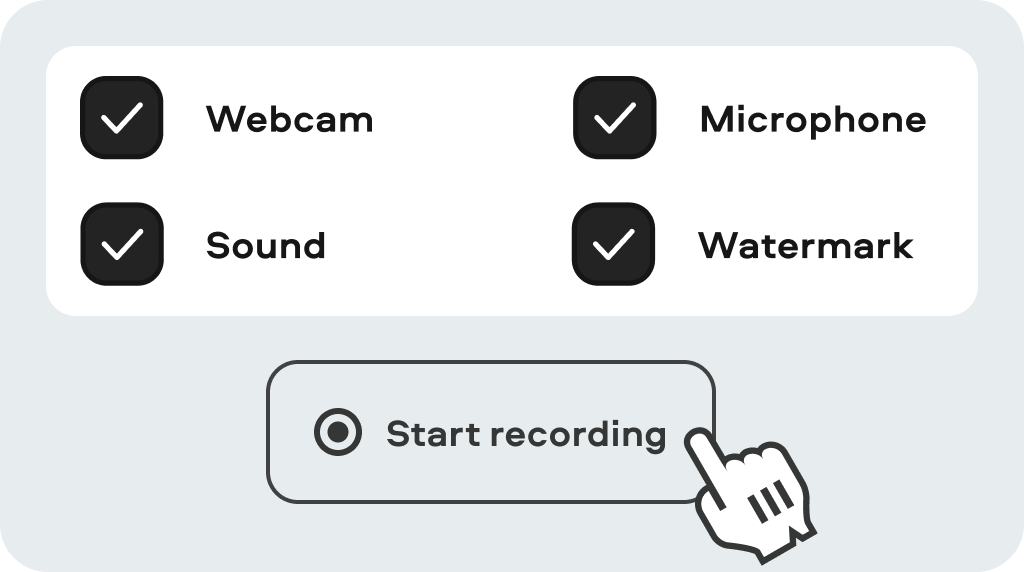
Set up the recording
Check what you want to capture: webcam, audio, or everything at once. The Start button will take you to the next step.
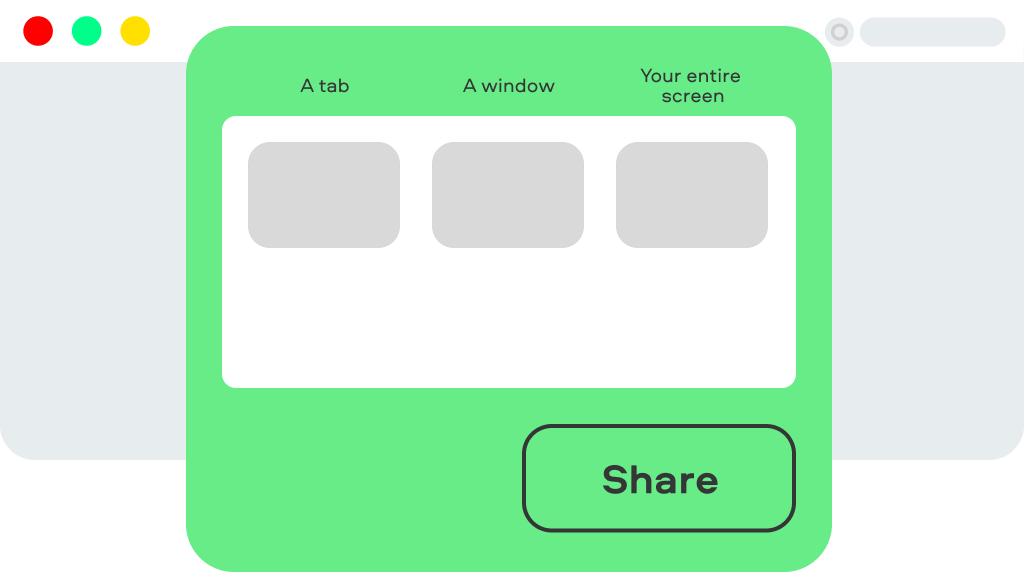
Modify your options
Allow access to your webcam and mic. Choose between a tab, a window, or full-screen mode. Click Share to grab your screen with sound.

Save the file
Stop the recording when you need to, then download the final video, or record another one.
What else you can do with our free screen recorder with no download required
DEVELOP LEARNING AND TEACHING SKILLS
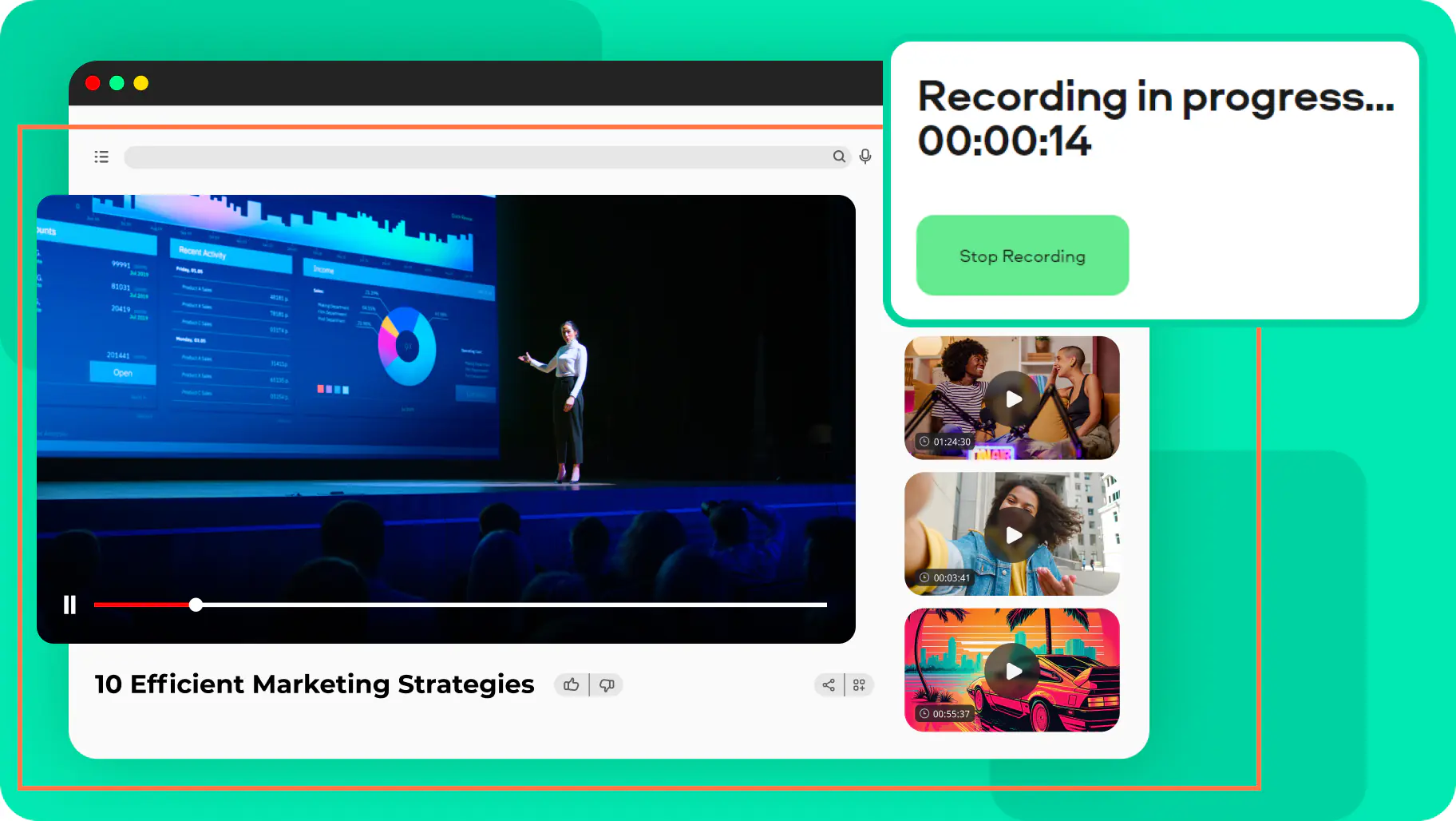
Take advantage of this screen and audio recorder: save important webinars and TED Talks to study at your own pace. Capture creative workshops in HD quality and build engaging presentations for your class.
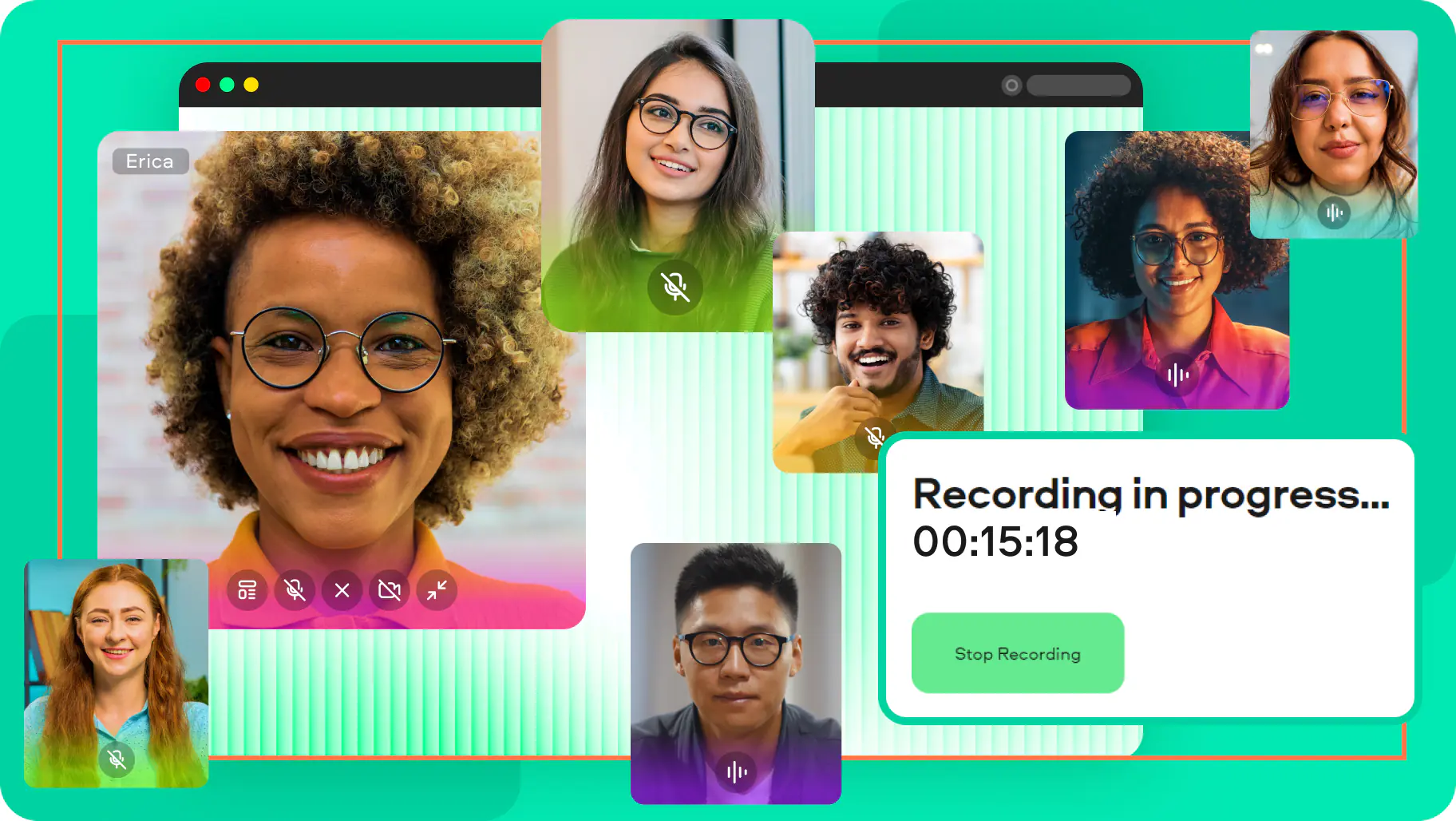
BECOME A REAL STAR AT WORK
Stay in touch with remote teams – record the screen on online calls and Zoom meetings to ensure everyone’s on the same page. Grab your webcam with voice to create in-depth training videos. Use quick explainers to successfully onboard new employees.
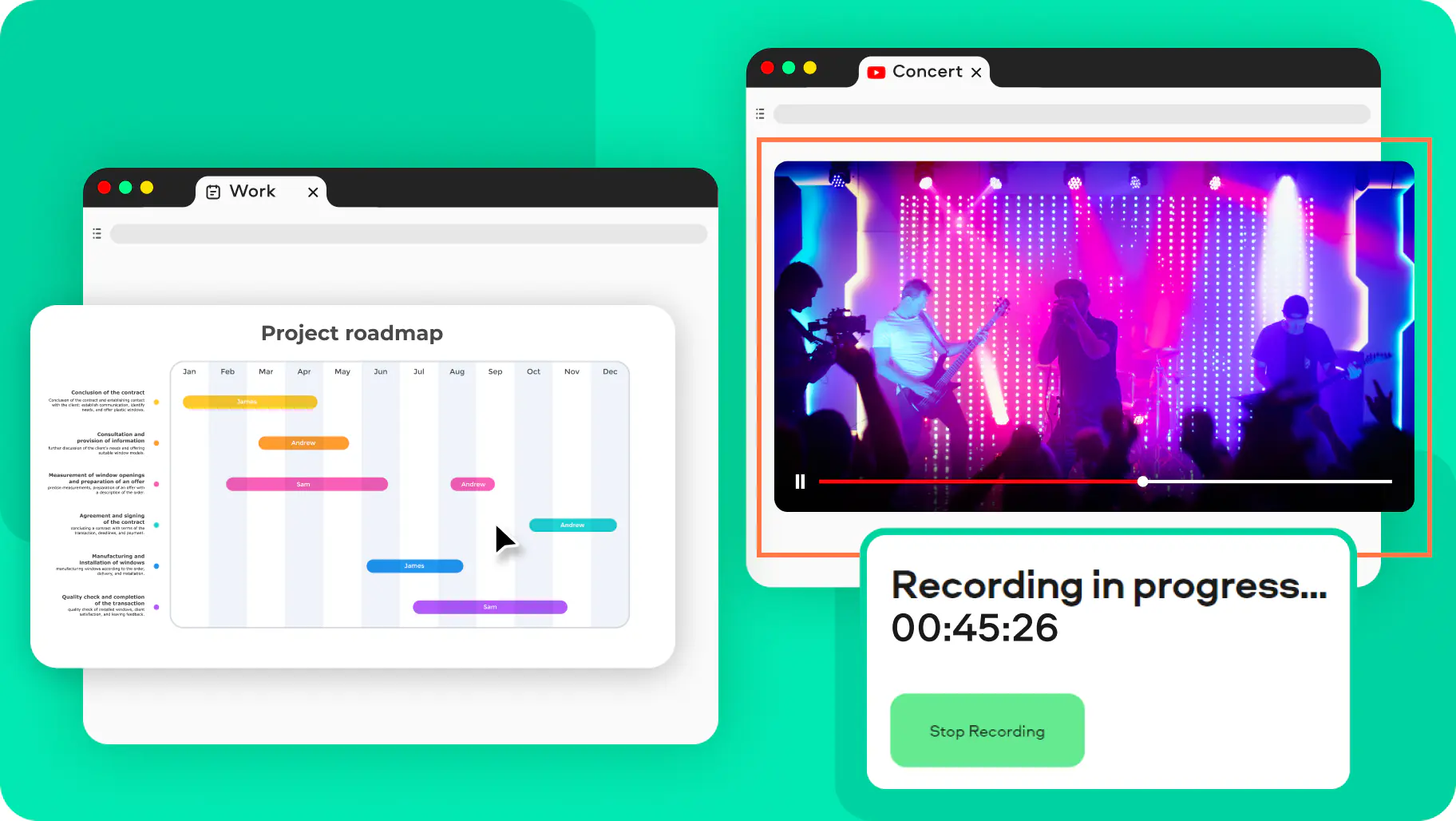
SPEND QUALITY TIME AT HOME
Online screen recording works like a charm if you want to catch sports or live events you don’t want to miss. Run and capture media in the background, then watch your videos later.
Check out the latest reviews of our online screen-recording app
Compare an online screen recorder with audio to a desktop screen recorder
Frequently asked questions
Can I record videos without downloading the app?
Can I record videos without downloading the app?
Yes, you sure can! Just use this screen-recording website, it’s totally free and easy to work with. You can also try our lightweight Chrome Recorder extension for your browser.
How can I record my face?
How can I record my face?
Before you start recording, click on the Webcam icon. Then click twice on the window preview to place the overlay with your face anywhere on the screen. Go to the special Free Webcam Recorder page for more details.
Is online screen recording secure?
Is online screen recording secure?
Absolutely! We ensure your privacy, so there’s no possibility of harm to your browser or laptop. All recordings are for your use only – nobody else can access them.
I need a desktop version. Do you have one?
I need a desktop version. Do you have one?
Yes, we do! Our Desktop Screen Recorder has many more tools, like video editor, audio denoiser, and recording scheduler. Get the full version to enjoy no-watermark recordings.
Learn more about Screen Recorder for PC and Mac
How can I record my computer screen online for free?
How can I record my computer screen online for free?
- Visit the Screen Capture web page and check all the resources you want to grab.
- Let the online recorder access your webcam and microphone.
- Start recording your screen.
- Save the recording to your hard drive.
How can I record my screen with audio?
How can I record my screen with audio?
To include your voice, check the Microphone box before you start. If you need to capture internal system sounds, click the Sound icon.


1.5M+ users already subscribed to our newsletter